YouTube Shorts safe zone
See what YouTube Shorts covers on your video, and download its overlay.
Runs in your browser. Nothing is uploaded.
YouTube Shorts
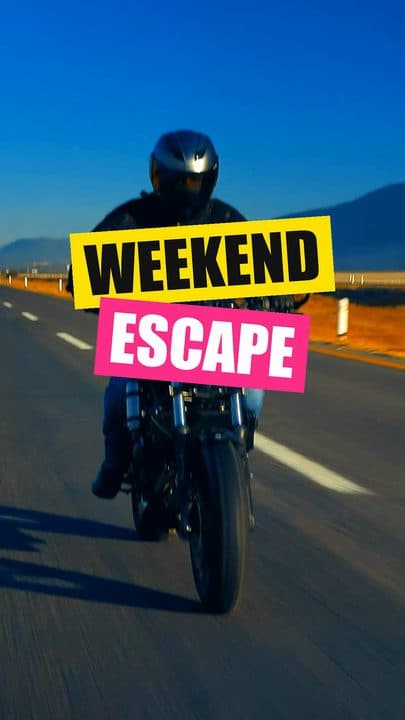
A sample frame until you drop your own.
Drop a screenshot or a video
PNG, JPG or any video your browser can play. It stays on your computer.
Keep clear of
- Top
- 288 px
- Bottom
- 576 px
- Left
- 65 px
- Right
- 162 px
Frame: 1080 × 1920 px · Clear area: 853 × 1056 px
A transparent 1080 × 1920 image to lay over your timeline in any editor.
These are estimates. The apps change their layout, so preview the post in the app before publishing.
More about this tool
- 1
Add a frame
Drop a screenshot or a video. For a video, drag the frame slider to the moment you want to check.
- 2
Check the clear area
YouTube Shorts's interface is drawn over your frame. Captions, faces, your logo and calls to action should sit inside the dashed box.
- 3
Compare the other apps
Turn on the other platforms to see them side by side. The numbers and the overlay then use the strictest edge of the apps you picked.
- 4
Download the overlay
Save shorts-safe-zone-1080x1920.png, a transparent PNG, and lay it over your timeline in any editor.
Shorts draws the back, search and menu buttons along the top, the like, comment, share and remix column down the right, and the channel, title and sound along the bottom.
Anything underneath is hard to read and can't be tapped.
YouTube doesn't publish safe zones for Shorts. These figures follow the common consensus, with the right edge widened where the buttons reach further in.
- Top: 288 px
- Bottom: 576 px
- Left: 65 px
- Right: 162 px
- Clear area: 853 × 1056 px
Shorts covers the most of the top of the three apps, so keep titles and faces a little lower than you would for TikTok.
If you post the same video everywhere, pick all three platforms above and design for the combined zone.
Sources
Questions
On a 1080 × 1920 video, keep important content 288 px from the top, 576 px from the bottom, 65 px from the left and 162 px from the right. That leaves a clear area of 853 × 1056 px.
Yes. The download button saves shorts-safe-zone-1080x1920.png: the covered areas shaded and the clear area outlined on a transparent background. Put it on the top track of your editor and hide it before you export.
Keep the bottom of your captions at least 576 px above the bottom edge, and their sides 65 px from the left and 162 px from the right. Above that line, YouTube Shorts's caption and buttons won't cover them.
They're two sides of the same frame. The dead zone is the part the app covers, and the safe zone is what's left. A transparent overlay that marks both is also called a safe zone guide or template, which is what the download button saves.
No. The file opens in your browser and isn't sent anywhere.
More free tools
- Safe zone checker
See what TikTok, Reels and Shorts cover on your video, and download an overlay.
- TikTok safe zone
See what TikTok covers on your video, and download its overlay.
- Instagram Reels safe zone
See what Instagram Reels covers on your video, and download its overlay.